Listen to YouTube together, synced with friends
Share one station link. Every phone and laptop plays the same YouTube track at the same second — a free synchronized radio player that keeps going even if you join late.
Why sending a YouTube link is not “listening together”
A playlist URL makes everyone start at track one. One person pauses. Buffers drift. Ten minutes later nobody is on the same chorus.
To listen to YouTube together synced, you need a shared clock. GiveMood locks a UTC timeline when the station is created. Each browser asks “what should be playing right now?” and seeks there. That is how you sync YouTube music with friends without a group countdown.
Listen to YouTube together in 3 clicks
Create the station
Paste the playlist you actually want on the call into the free radio maker.
Send one /r/ link
Discord, iMessage, WhatsApp — one URL. No room code, no extension, no “host must stay in the tab.”
Hit Listen Live
Each person taps play once. The player snaps to the live offset so you stay together.
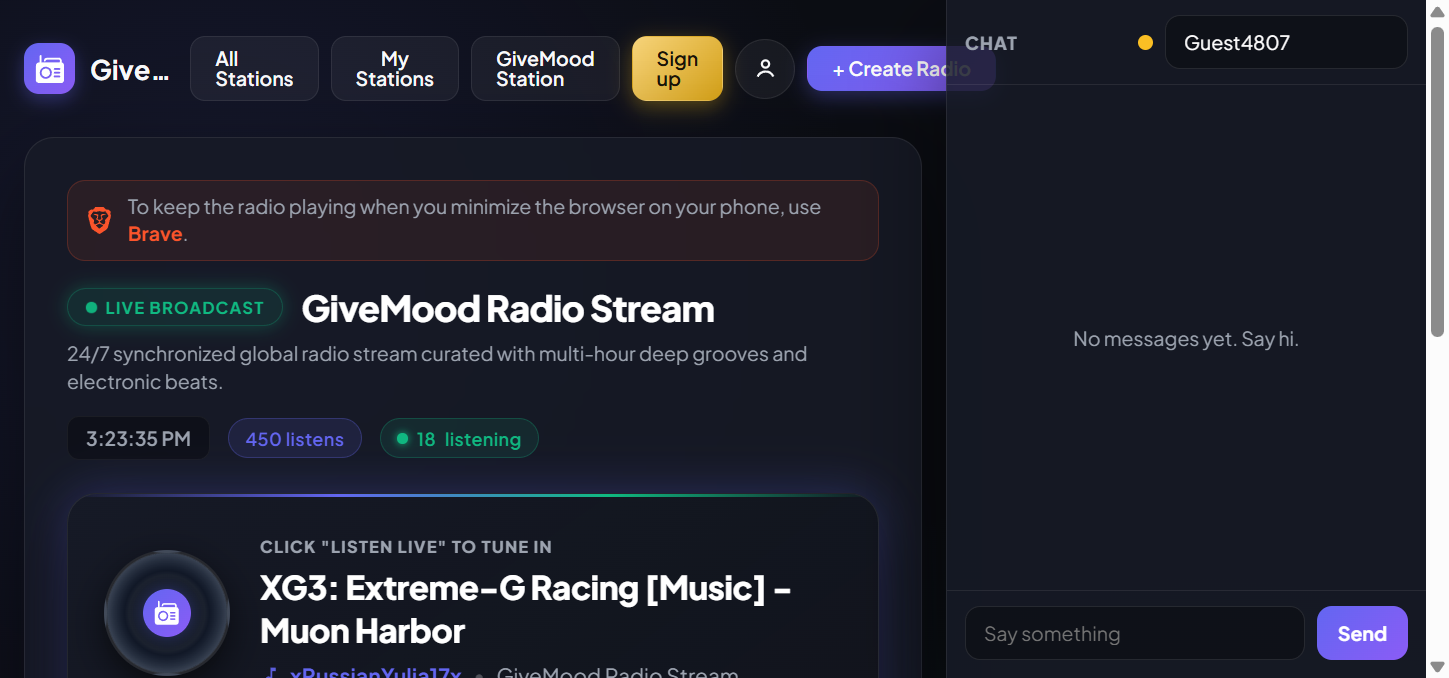
Real usage examples
Long Discord call
Create the station before the call. Paste the /r/ link in chat. Whoever joins twenty minutes late hits Listen Live and is already on the chorus with you — no host restarts the queue.
Two devices sanity check
Open /r/radio on your phone and laptop. Press Listen Live on both. If the seconds match, that is the sync model your friends will get on your own station.
When a song is blocked
If YouTube blocks a track in someone’s country, that listener waits on the shared slot instead of skipping ahead. When the timeline moves on, they move with everyone else.
Free synchronized radio player vs watch parties
Unison, Watch2Gether, and SyncUp are great when everyone is present and someone is driving play/pause. They are rooms. GiveMood is radio.
| Watch party | GiveMood sync radio | |
|---|---|---|
| Listen to YouTube together | Yes, while the room is open | Yes, 24/7 |
| Late joiner | Often starts wherever the host is, room may be empty | Always the live second |
| Host must stay online | Usually | No |
| Play/pause for the group | Yes | No — it is a station, not a DJ deck |
Sync YouTube music live with friends — when to use this
- Study sessions and long Discord calls where you want the same album, not a skip war.
- Long-distance hangouts where someone always joins 15 minutes late.
- A public vibe link on a site or event page — anyone who opens it is already together.
The station itself is YouTube playlist radio. Build it on Create Radio, or read the longer maker walkthrough on how to create an online radio station for free.
Try the flagship stream first: /r/radio — open it on two devices and you should hear the same bar. For the clock math, see how synchronization works.
FAQ
How do I listen to YouTube together with friends?
Create a station, share the link, press Listen Live. Everyone locks to the same timestamp.
Is this Watch2Gether?
No. Watch parties are rooms with a host. This is a free synchronized radio player that stays on 24/7.
Does it work on phones?
Yes. Sync YouTube music live with friends in Chrome, Safari, or any modern mobile browser.
What if someone is late?
They join the current song and second. That is listen to YouTube together synced — not “start the playlist again.”